How To Use This Medical Survey
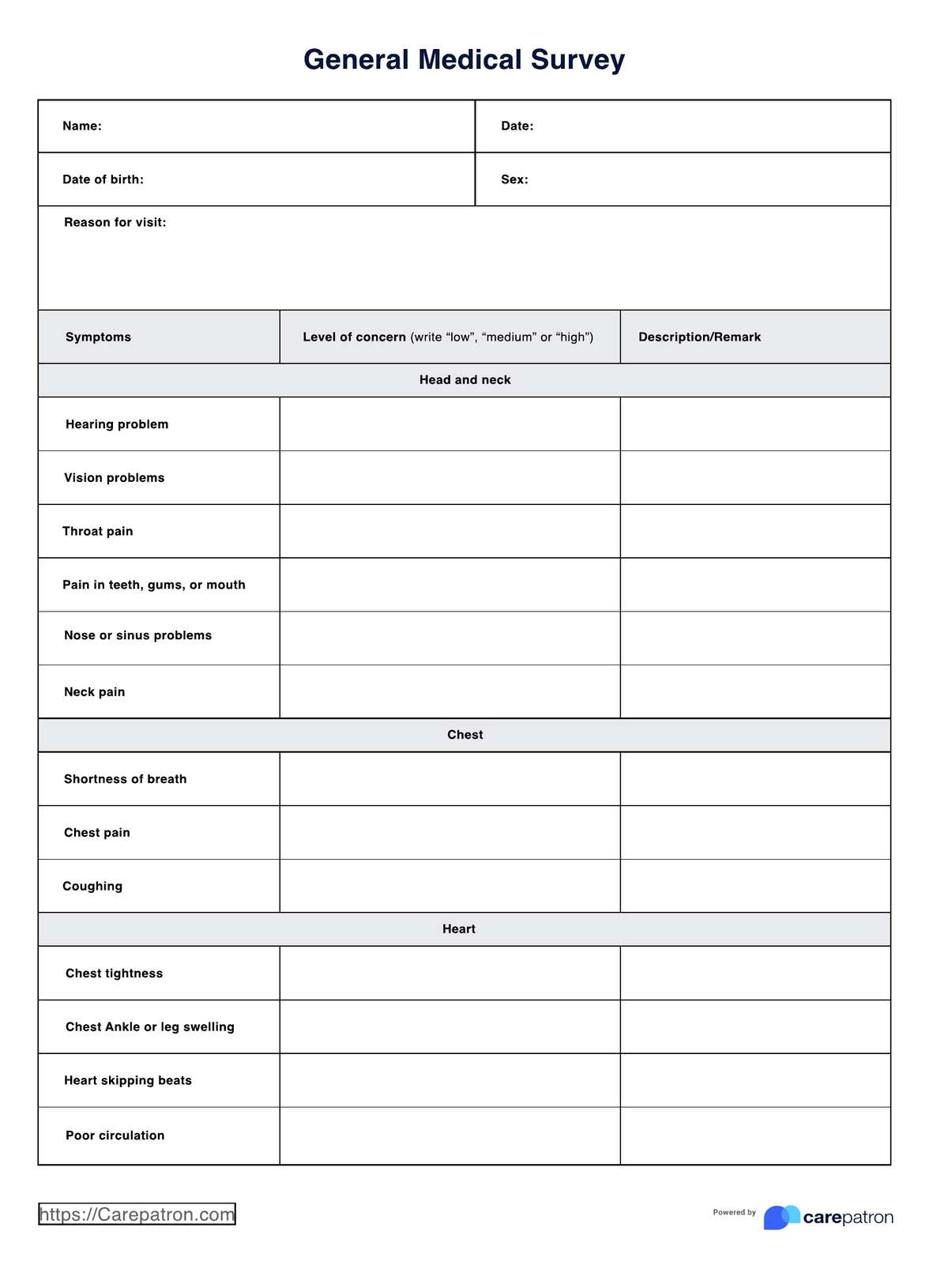
A medical survey gives a clear picture of a patient's overall well-being. We've made a pre-designed template to simplify the process for you and your patient. Here's how you can use our template:
Step One: Download the medical survey
Access the free medical survey using the link on this page. You can also download it from the Carepatron app or our resources library.
Step Two: Discuss the survey with your patient
Explain the purpose of the survey and why it's important for their health. Discuss any questions they might have about completing the survey.
Step Three: Patient completes the survey
This template is created to be easy to administer and answer, allowing your patient to complete it independently. Similarly, you can use these steps to assist your patient in answering the survey:
- Fill out the form. Write your name, date of birth, sex, and other relevant information.
- The form outlines a set of symptoms that may indicate the presence of a medical condition. For each symptom, rate your level of concern using the following scale: Low, Medium, or High.
- Use the description/remark column to explain your symptom further. This will help your doctor make a more informed diagnosis.
Step Four: Assess survey results
Review your patient's responses to assess any potential health risks. Jot down any notes or recommendations for follow-up.
Step Five: Refer patient for further care
If necessary, refer your patient to a specialist for more in-depth analysis. This could include an X-ray, MRI, or other medical tests.
Step Six: Secure the medical survey form
Because this form contains confidential patient information, make sure to store it in a secure place.